
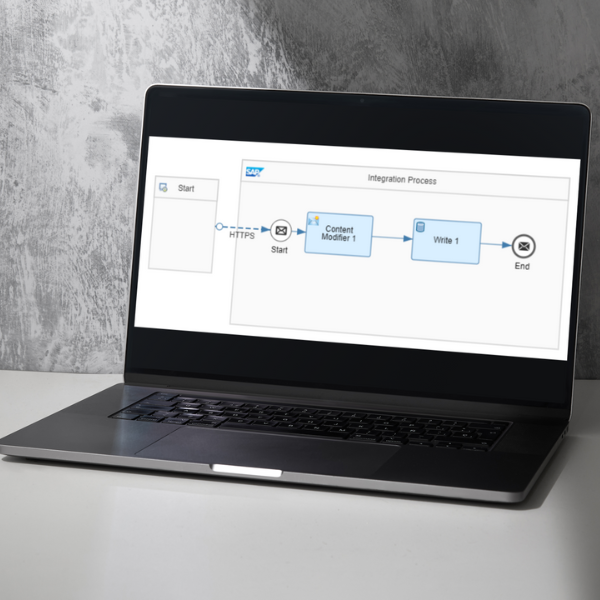

CPI Data Stores
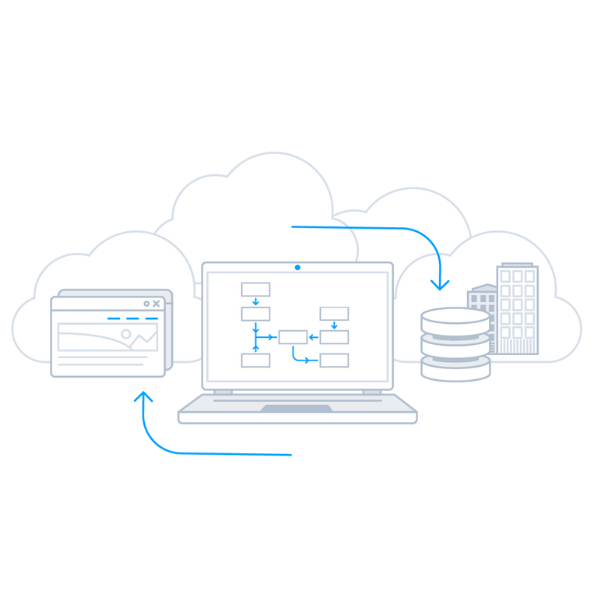
There are many scenarios where message content needs to be stored either as a whole, parts of, as an error response or specific configuration data. Data Stores offer users with a means to achieve this temporary storage in CPI. There are two types of Data Stores - Local and Global. Local Data Stores are restricted to the iFlows they are created in while Global Data Stores can be accessed by various iFlows.
Use Cases
There are three common use cases for data stores:
Store & Pick Up Scenario
- This scenario globally stores the message for later use by another iFlow.
- It can be seen as a push pull pattern. The message received from a sender is stored in the data store. A receiver seeking information actively polls (reads) the message in another message processing run (iFlow).
Asynchronous Decoupling Scenario
- This scenario decouples the sender & receiver systems.
- The message is received by the sender is stored and independently received by another iFlow to forward to the receiver.
Asynchronous Decoupling with Error Scenario
- This scenario decouples sender & receiver systems when an error occurs.
- If the message is successful, it is passed to the receiver within the same iFlow.
- If an error occurs, the error messaged is stored in Data Store to be accessed by another iFlow for processing.
- In this scenario by using Data Stores SAP CPI users can create a generic error handling approach for iFlows.
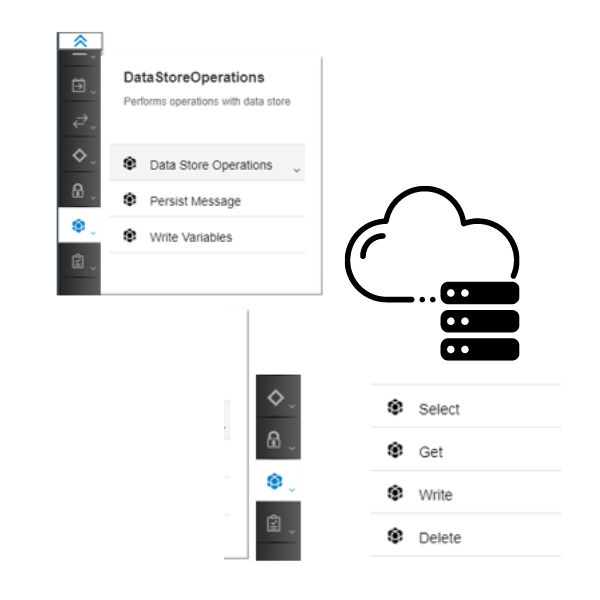
Main Operations of Data Stores
In Data Store Operations, there are four operations available that caters for in memory processing and enables real time access to data.
WRITE: It stores the messages temporarily in the data store. If you use a Write operation, you can write more than one message to a data store from an iFlow.
SELECT: You can select more than one message from the bundle of messages that are already available in the data stores and send it to the iFlow for further message processing.
GET: It can fetch a specific message from the data store and can get messages based off the reference id from the data store to the iflow for further message processing.
DELETE: This operation can delete messages individually or through a list of reference IDs.
Sources:
- Sudarshan Patwardhan. 2021. Data Store Operations in SAP CPI. Available: https://recodehive.com/data-store-operations-in-sap-cpi-step-by-step-guide/
- Ajay Wandre. 2020. SAP_CPI-Demonstrating the DataStoreOperations Feature. Available: https://blogs.sap.com/2020/01/29/sap_cpi-demonstrating-the-datastoreoperations-feature/
- SAP Integration Architect. 2022. SAP CPI Tutorials : 7 : How to Create Datastores in CPI & work with it ?. Available: https://www.youtube.com/watch?v=TRT7JTAf2Lw
- John Bilay, Peter Gutsche, Mandy Krimmel & Stiehl Volker. 2020. SAP Cloud Platform Integration-The Comprehensive Guide. Chapter 5 & 8.